

How Medicare BackOffice® works
Helping your clients, customers or employees with Medicare is simple and hassle-free with Medicare BackOffice.


Here’s how to get started:
1Register with us
Register here, or click on the “Register” button in our website menu.
Registering gives you access to a personalized dashboard so you can track each client’s referral status, access customizable marketing materials, and get paid a referral fee, if you’re able to accept them compliantly.
2Refer a client three different ways:
-
 Encourage your clients to call us at 1.877.385.8083 and remind them to provide your name to the Licensed Insurance Agent.
 -
 Call us at 1.877.385.8083 while meeting with your client.
Please note that during the Annual Election Period (Oct. 15 through Dec. 7), availability of Licensed Insurance Agents is limited due to high demand. To ensure that an agent is available to meet with you and your client during the busy Annual Election Period, please schedule an appointment.
-
 Click on the “Refer” button and complete the requested form. We will contact your client to schedule an appointment at a later date.
Keep in mind that due to CMS regulations, appointments can take place no sooner than 48 hours after the initial call.
We take it from here!
3Client contacts us
Your client contacts us and gives us your name. We conduct a thorough needs analysis, and review Medicare plan options.
4Receive confirmation from us
You receive an email confirming that Medicare BackOffice discussed Medicare plan options with your clients.
5Client enrolls
If the client finds a plan that fits their needs and budget, we can help enroll them.
6Receive confirmation email from us
You receive an email when the client enrolls in a Medicare plan through Medicare BackOffice. (If the client does not enroll, you receive an email about six months after our initial contact notifying you the client hasn’t enrolled.)
7Ongoing service
We reach out to your client each year during Medicare’s Annual Election Period (AEP), also called open enrollment (Oct. 15 through Dec. 7), to review their plans — a key step in managing their health care expenses. And we also send a newsletter and emails with important Medicare-related news to keep them informed and to show we care.

You've registered.
Now what?
Stay plugged in with clients, Medicare news and the latest marketing materials by visiting your personalized Medicare BackOffice dashboard.
- Check clients’ referral statuses
- Get customizable “Navigating Medicare” guides
- Access marketing emails, letters and other materials
- Educate yourself on Medicare and Medicare-related news
- Seek login or other technical support
- Ask Licensed Insurance Agents questions
- Read the Medicare BackOffice blog
- Check payment status
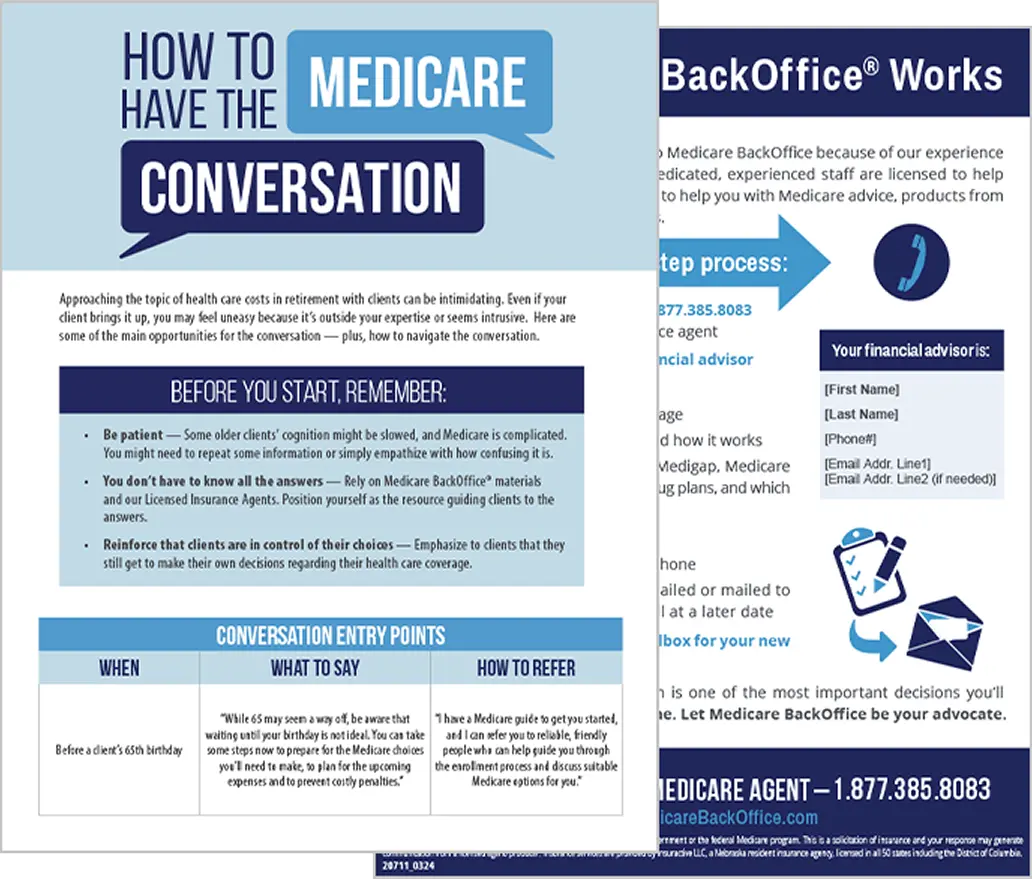
Ready to help your clients?
Do you want to educate clients about health care costs in retirement? Or maybe you need Medicare enrollment help for clients. We’re your back-office Medicare support.